
Digitize Your Cookbook Collection
Snap a photo of any cookbook page. Get a digital recipe you can search, edit, and cook from.
In short TL;DR
Save Cookbook Photo recipes in 20s. PlanPlate extracts ingredients, steps, and timing automatically, then converts to Thermomix®-ready instructions if you want, in any of 4 languages.
How it works
Take a Photo
Open your cookbook to the recipe page and snap a clear photo
PlanPlate Does the Rest
Our OCR technology reads the text and structures it as a recipe.
Edit if Needed
Review the extracted recipe and make any adjustments.
What you get

Built by Matthias
Built by a single dad of three who wanted a better way to organize family meals.
Read the full storyCommon questions
Does it work with handwritten recipes?
Yes! PlanPlate can read most handwritten recipes, including family recipe cards.
What about old or faded cookbooks?
As long as the text is readable to you, PlanPlate can usually extract it.
Can I scan multiple pages at once?
Currently one page at a time for best accuracy. Multi-page scanning is on our roadmap.
Can I save Cookbook Photo recipes for free?
PlanPlate offers a 7-day free trial where you can save unlimited Cookbook Photo recipes. After the trial, you can subscribe for EUR39.99/year or EUR4.99/month to continue.
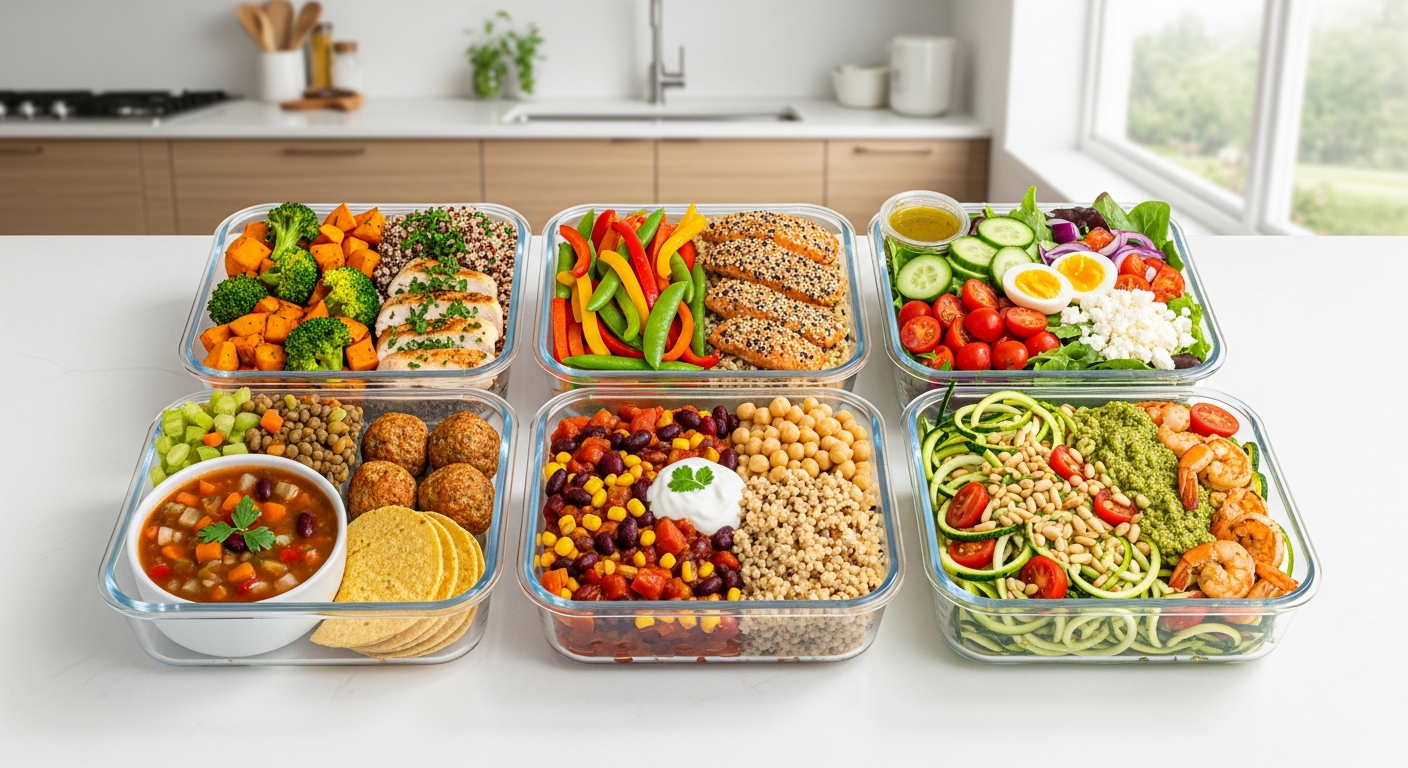
Never lose a Cookbook Photo recipe again
Start your 7-day free trial. Import unlimited recipes.
Download on the App StoreFree to start. 7-day Premium trial included.
English · Deutsch · Español · Français
 TikTok
 Instagram
 YouTube
 Pinterest
 Facebook